
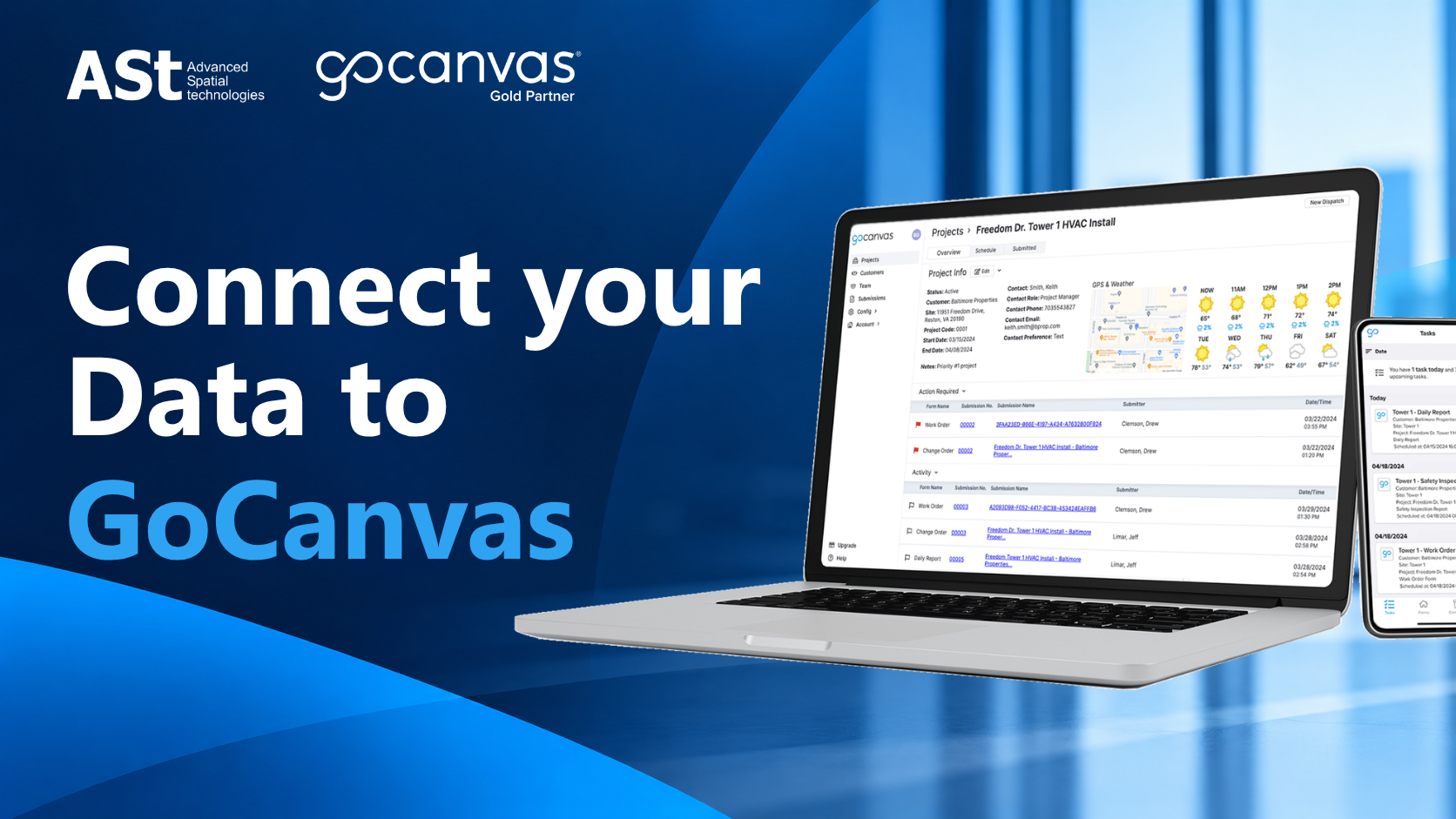
When your field teams are completing forms, the last thing they should be doing is repeatedly typing information that already exists somewhere else in your business.
Customer lists, job locations, parts, inventory and other operational data often already live in spreadsheets or business systems. But when that information isn’t connected to your field forms, teams can end up manually entering data, working from outdated information or spending unnecessary time maintaining multiple files.
GoCanvas Data Sources help connect your operational data directly to GoCanvas forms, making it easier for field teams to complete forms faster, reduce errors and access the information they need.
Depending on your workflow and the complexity of your data, GoCanvas offers Static, Dynamic and Live Data Sources.
Static Data Sources: Simplify Repetitive Data Entry
If your teams regularly enter the same types of information — such as customer names, locations or parts — manually typing everything into a form can slow them down and introduce unnecessary errors.
With Static Data Sources, you can upload a CSV file containing key reference information and use that data within your GoCanvas form fields.
Instead of typing information manually, field teams can quickly select the correct details from predefined data.
This can help:
- Speed up form completion
- Standardise data entry
- Reduce typing errors
- Minimise rework caused by incorrect information
Static Data Sources are supported on GoCanvas Essentials, Pro and Max plans.
Dynamic Data Sources: Keep Changing Information Current
Static data works well when your information doesn’t change frequently. But what happens when your teams rely on constantly changing information, such as inventory or pricing?
Repeatedly exporting, updating and re-uploading CSV files creates more administration and increases the risk that field teams are working with outdated information.
Dynamic Data Sources connect company data to GoCanvas form fields through an API, helping ensure users can access more current information when completing forms.
This is particularly useful for businesses that need their field and office teams to stay aligned as operational data changes.
Dynamic Data Sources are available with GoCanvas Pro and Max.
Live Data Sources: Make Large, Complex Data Easier to Access
For businesses managing very large or complex datasets, maintaining multiple spreadsheets can quickly become difficult.
Live Data Sources allow field teams to search large datasets directly within GoCanvas forms, giving them access to current information without the practical limits associated with repeatedly managing and uploading large spreadsheets.
This can be particularly valuable for organisations with complex operations where field teams need to find specific information quickly.
Live Data Sources require GoCanvas Max and a Wi-Fi or mobile data connection for live lookups.
Which GoCanvas Data Source Is Right for Your Business?
The right option depends on how your business works.
If your reference data is relatively stable, a Static Data Source may be all you need. If your information changes frequently, Dynamic Data Sources may provide a more efficient workflow. For businesses working with large and complex datasets, Live Data Sources may offer the flexibility required.
But choosing a feature is only one part of the process.
The bigger question is: how should GoCanvas fit into your existing workflow?
Get More from GoCanvas with ASt
At Advanced Spatial technologies, we understand that every business manages its field data differently.
Rather than simply providing a GoCanvas subscription, our team can work with you to understand your requirements, identify where manual processes are slowing your team down and help determine the GoCanvas solution that best suits your workflow.
Whether you want to reduce repetitive data entry, improve data accuracy or give field teams easier access to current business information, ASt can help you get more value from GoCanvas.
Subscribe to GoCanvas through Advanced Spatial technologies and get local support from a team that takes the time to understand your business. Contact ASt today at sales@advancedspatial.com.au or call 1300 672 888.
Try GoCanvas Free: https://www.gocanvas.com/partner-network/ast/free-trial