
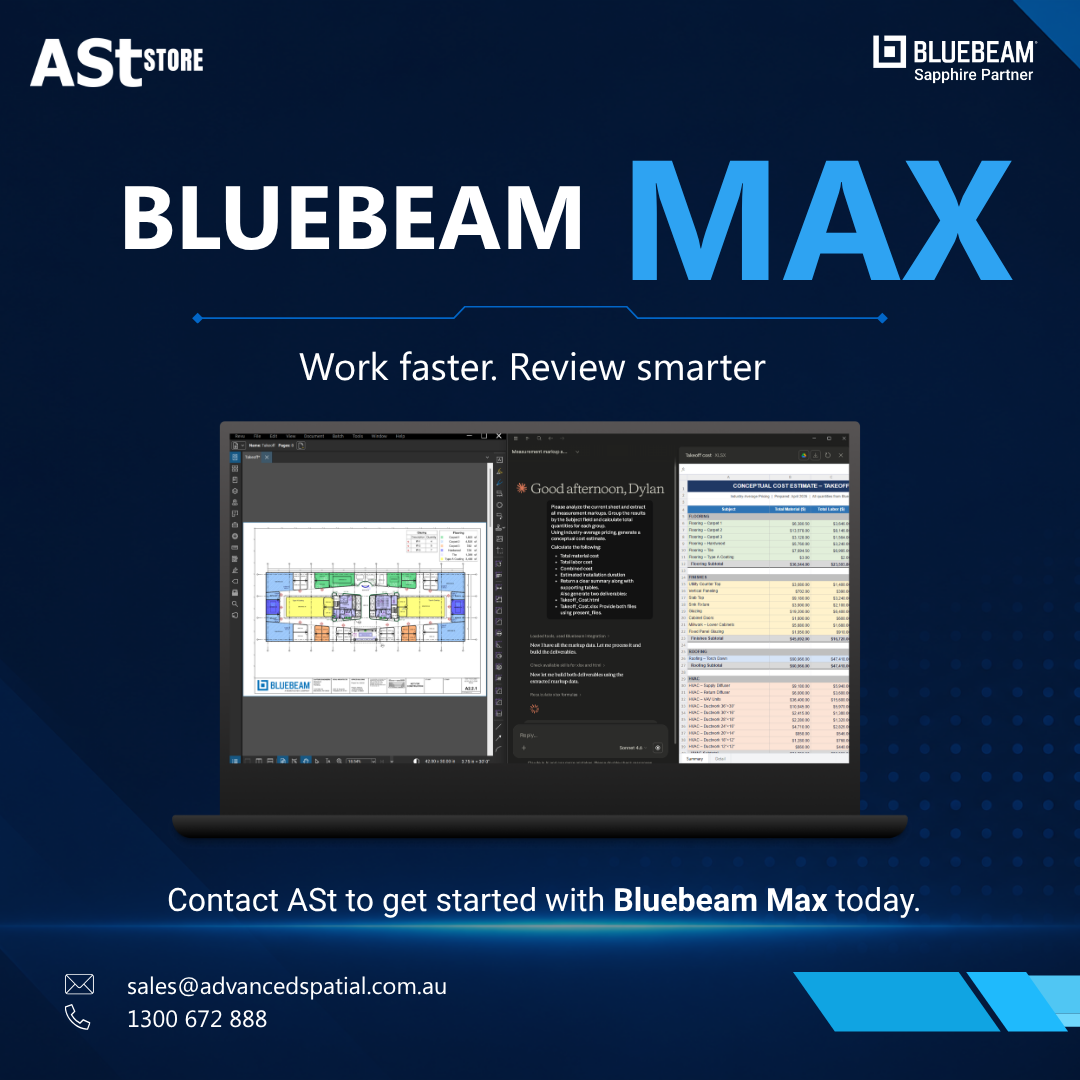
Construction and design teams spend countless hours reviewing drawings, comparing revisions, recreating markups and coordinating information between PDF and BIM workflows.
As projects become larger and more complex, these repetitive processes can create bottlenecks. A missed drawing change, inconsistent tag or coordination issue can lead to rework, delays and unnecessary project costs.
Bluebeam Max brings AI-powered capabilities and advanced automation into Bluebeam Revu to help AEC teams review drawings faster, reduce repetitive work and identify potential issues earlier.
For Australian architecture, engineering and construction teams looking to get more from Bluebeam, Max represents a significant step beyond traditional PDF markup and review workflows.
What is Bluebeam Max?
Bluebeam Max is Bluebeam’s premium subscription plan, combining everything available in Bluebeam Complete with AI-powered drawing reviews, drawing comparisons, advanced automation and BIM-connected workflows.
It is designed to help teams spend less time on manual document tasks and more time making informed project decisions.
Key Bluebeam Max features include:
- AI integration via Model Context Protocol (MCP)
- Smart Review for AI-powered drawing checks
- Smart Overlay for intelligent drawing comparisons
- Multi-view Stitching
- Magic Markups
- Connected Studio Sessions with Revit
But the real value of these features becomes clearer when we look at the problems AEC teams deal with every day.
1. Too Much Time Spent on Repetitive Drawing Tasks?
Automate repetitive work with Bluebeam Max
Manually recreating markups, reviewing large drawing sets and searching through project information can consume valuable time.
Bluebeam Max introduces automation designed to reduce this repetitive workload.
Magic Markups
Instead of manually redrawing the same markup, Magic Markups allows users to duplicate, convert or offset existing markups with CAD-level precision.
For estimators, engineers and construction professionals working through large drawing sets, this can mean fewer clicks and less time spent recreating information that already exists.
The benefit: Less repetitive markup work and more time for higher-value project tasks.
2. Struggling to See the Full Picture Across Multiple Drawings?
Bring drawings together with Stitching
Large infrastructure and construction projects often divide a continuous area across multiple drawing sheets.
Understanding how those drawings connect can require users to constantly switch between pages or manually piece information together.
Bluebeam Max’s Stitching functionality automatically combines drawing sheets from different areas of a project into one continuous view.
This makes it easier to understand the wider project context without constantly navigating between individual sheets.
The benefit: Better visibility across complex projects and less time spent manually navigating drawings.
3. Worried About Missing Issues During Drawing Reviews?
Catch potential problems earlier with Smart Review
Finding an issue during design review is generally far better than discovering it once construction is underway.
Bluebeam Max’s Smart Review uses AI to scan construction documents for potential design issues such as missing sheets, missing door or plumbing fixture tags and gridline inconsistencies.
Results can then be surfaced through AI-generated markups, dashboards and trackable issues.
For teams managing large drawing packages, this provides an additional layer of review alongside existing QA/QC processes.
The benefit: Identify potential issues earlier and reduce the risk of costly rework later in the project.
Smart Review is currently in preview, and Bluebeam notes that it is optimised for US-based vertical commercial construction.
4. Finding It Difficult to Track Changes Between Drawing Revisions?
Compare drawings with AI-powered Smart Overlay
When drawings change, identifying exactly what changed and where can become time-consuming—particularly across different disciplines and drawing scales.
Bluebeam Max’s Smart Overlay uses AI to detect design changes and provide visual overlays, reports and trackable comparisons.
Instead of relying entirely on manual comparison, teams can use AI-assisted analysis to help identify changes requiring attention.
The benefit: Faster drawing comparison and greater confidence that important design changes aren’t overlooked.
5. PDF Markups and BIM Workflows Feeling Disconnected?
Connect Bluebeam and Revit workflows
One of the biggest challenges for multidisciplinary AEC teams is keeping information connected between 2D documentation and 3D BIM models.
Bluebeam Max introduces Connected Studio Sessions with Revit.
Bluebeam markups can automatically link to the corresponding location in Revit, including the relevant drawing sheet and 3D view.
This creates a more connected workflow between teams working primarily in Bluebeam and those working within Autodesk Revit.
The benefit: Better coordination between PDF and BIM workflows and less time spent manually locating the same issue across different platforms.
6. Want to Get More Information from Your Drawings?
Connect Revu with AI
Bluebeam Max also introduces AI integration through Model Context Protocol (MCP).
Bluebeam currently highlights integrations with AI tools including Claude, GitHub Copilot and AnythingLLM. Users can use natural-language prompts to find information, create or update markups, create custom columns and turn drawing metadata into useful insights.
Rather than treating a PDF simply as a document to review, teams can increasingly interact with the information contained within their project drawings.
The benefit: Find information faster and turn project data into actionable insights.
Why Buy Bluebeam Max Through ASt?
Choosing the right Bluebeam subscription is only one part of improving your workflow.
Working with Advanced Spatial technologies (ASt) gives Australian businesses a local Bluebeam partner that can help you determine how Bluebeam fits into your organisation and existing workflows.
Instead of simply purchasing another software licence, ASt can help your team understand:
Which Bluebeam plan suits your users
Not every employee necessarily needs the same Bluebeam subscription. ASt can help you assess your requirements and determine the appropriate Bluebeam solution for your team.
How to get more value from Bluebeam
Having powerful software doesn’t automatically mean teams are using it efficiently. ASt can help businesses better understand Bluebeam capabilities and workflows.
Local Australian support
Work with a local team that understands Australian AEC organisations and can assist with your Bluebeam requirements.
Bluebeam and Autodesk expertise
For organisations using both Bluebeam and Autodesk solutions such as Revit, ASt can help you better understand how these technologies fit within your broader design and construction workflows.
Is Bluebeam Max Right for Your Team?
Bluebeam Max may be particularly valuable if your team regularly:
- reviews large or complex drawing sets;
- spends significant time recreating repetitive markups;
- compares multiple drawing revisions;
- needs stronger QA/QC processes;
- works across both PDF and BIM environments; or
- wants to introduce AI into existing Bluebeam workflows.
Bluebeam Max includes everything in Bluebeam Complete, plus Bluebeam’s AI and advanced technologies.
The question isn’t simply whether your team needs more software features.
It’s whether repetitive drawing tasks, disconnected workflows and manual review processes are costing your team time that could be better spent elsewhere.
Ready to Explore Bluebeam Max?
Discover how Bluebeam Max can help your team accelerate drawing reviews, automate repetitive workflows and improve coordination across your projects.
Contact ASt today to discuss Bluebeam Max, subscriptions, upgrades and the right Bluebeam solution for your organisation.
Contact ASt at sales@advancedspatial.com.au or call 1300 672 888 to learn more about Bluebeam and how it can help your team work smarter.